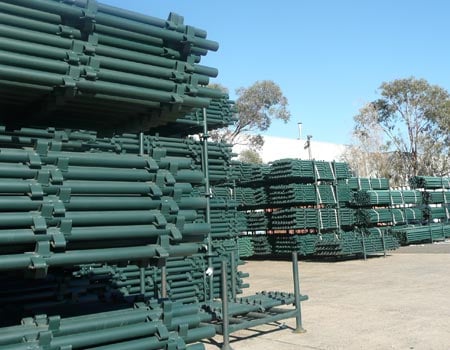
“iRent® Classic” is our entry level scaffold management tool trusted by hundreds of businesses worldwide. It is designed to handle Delivery Tickets, Billing, Job Control, Inventory Control and Sales Analysis. iRent® Classic can be purchased with or without iQuote®.
Although iRent® Classic is designed for the scaffolding industry, it can greatly benefit any company which delivers and returns large quantities of items. iRent® Classic is more suited to a company which has account customers to be invoiced by job. iRent® Classic also has a sales, contracting and manual invoicing system. iRent® Classic handles multiple yards, provides flexible easy to understand weekly or monthly invoicing, handles overreturns for inventory control and billings, is extremely user friendly and reduces data entry errors. iRent® Classic has the ability to support multi-user wide areas networks for large organizations.
View the latest features for 2025
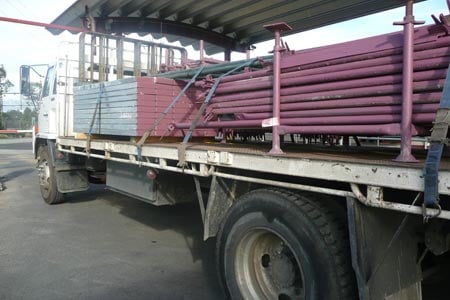

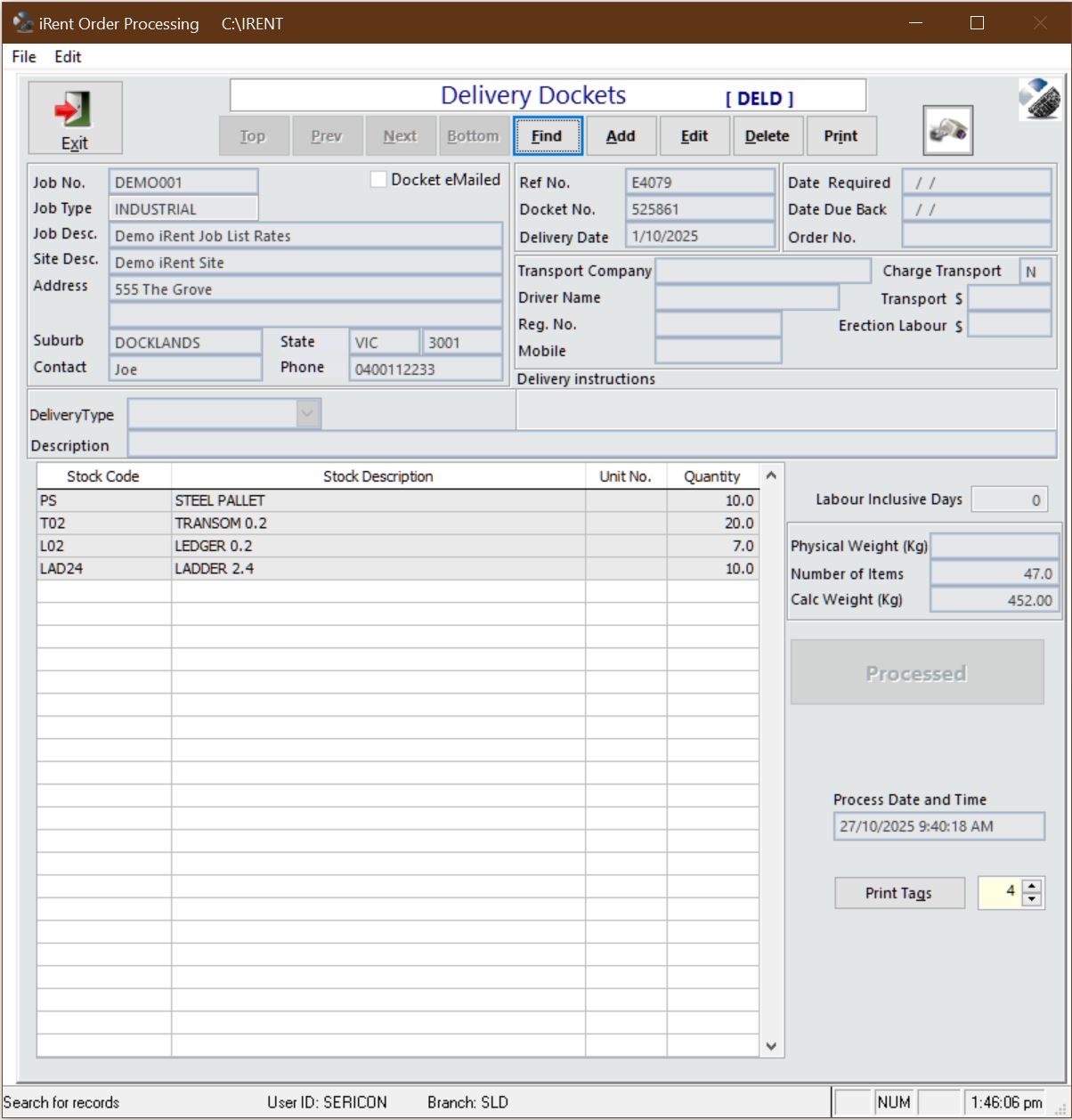
Online Pick Tickets and Delivery Dockets.
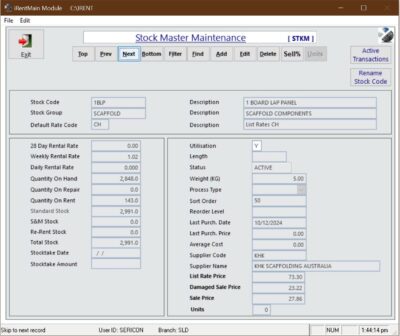
iRent® Classic provides accurate inventory information.
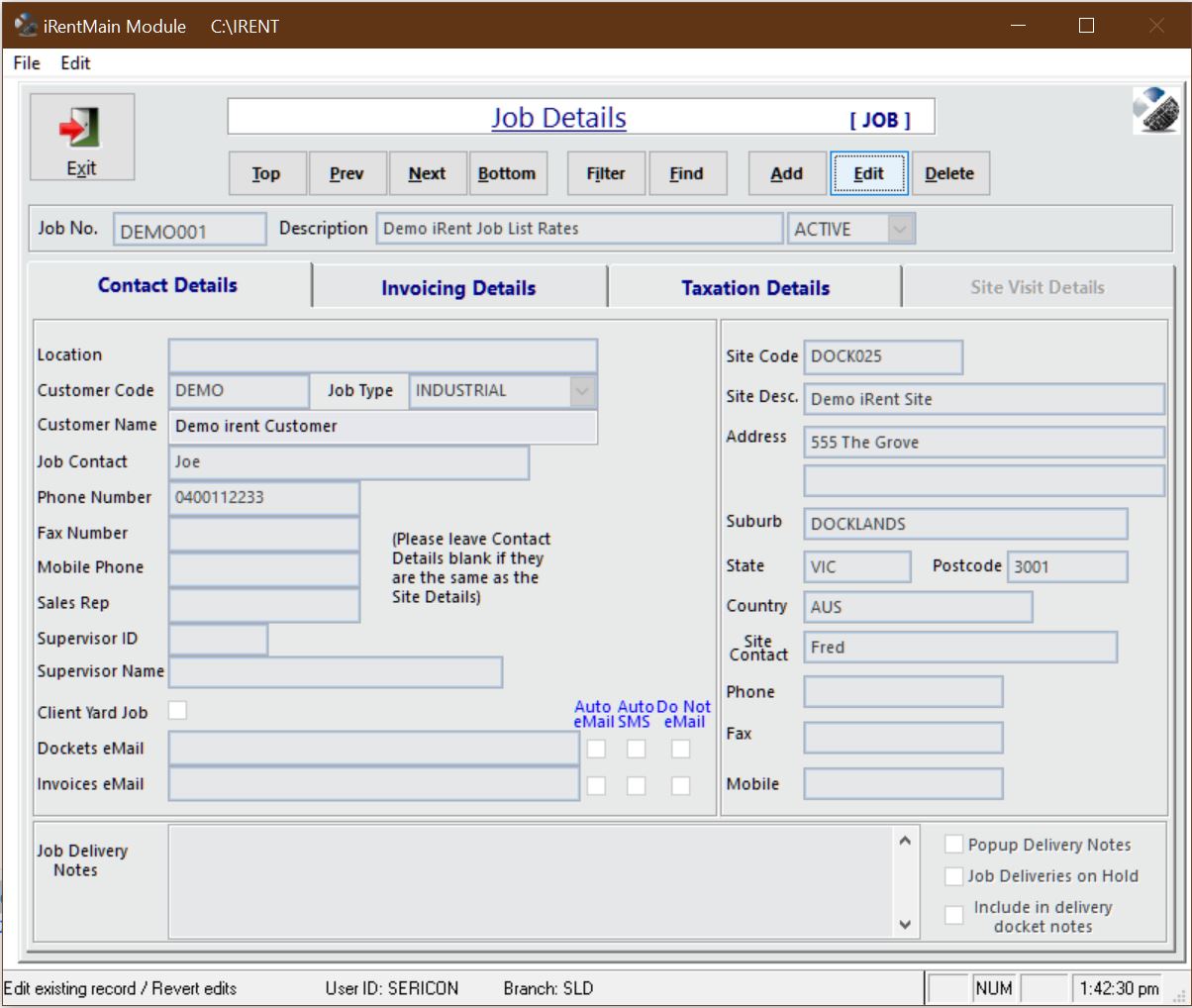
iRent® Classic provides all job information at your fingertips.
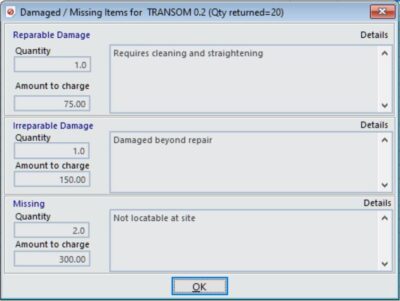
iRent® Classic solves the unique problem of damages and shortages when items are returned. Efficient and easy handling of these shortages make sure that your inventory quantities are updated correctly and the correct amounts are invoiced when required.
The return for every inventory item allows you to optionally enter three “Special” types of returns.
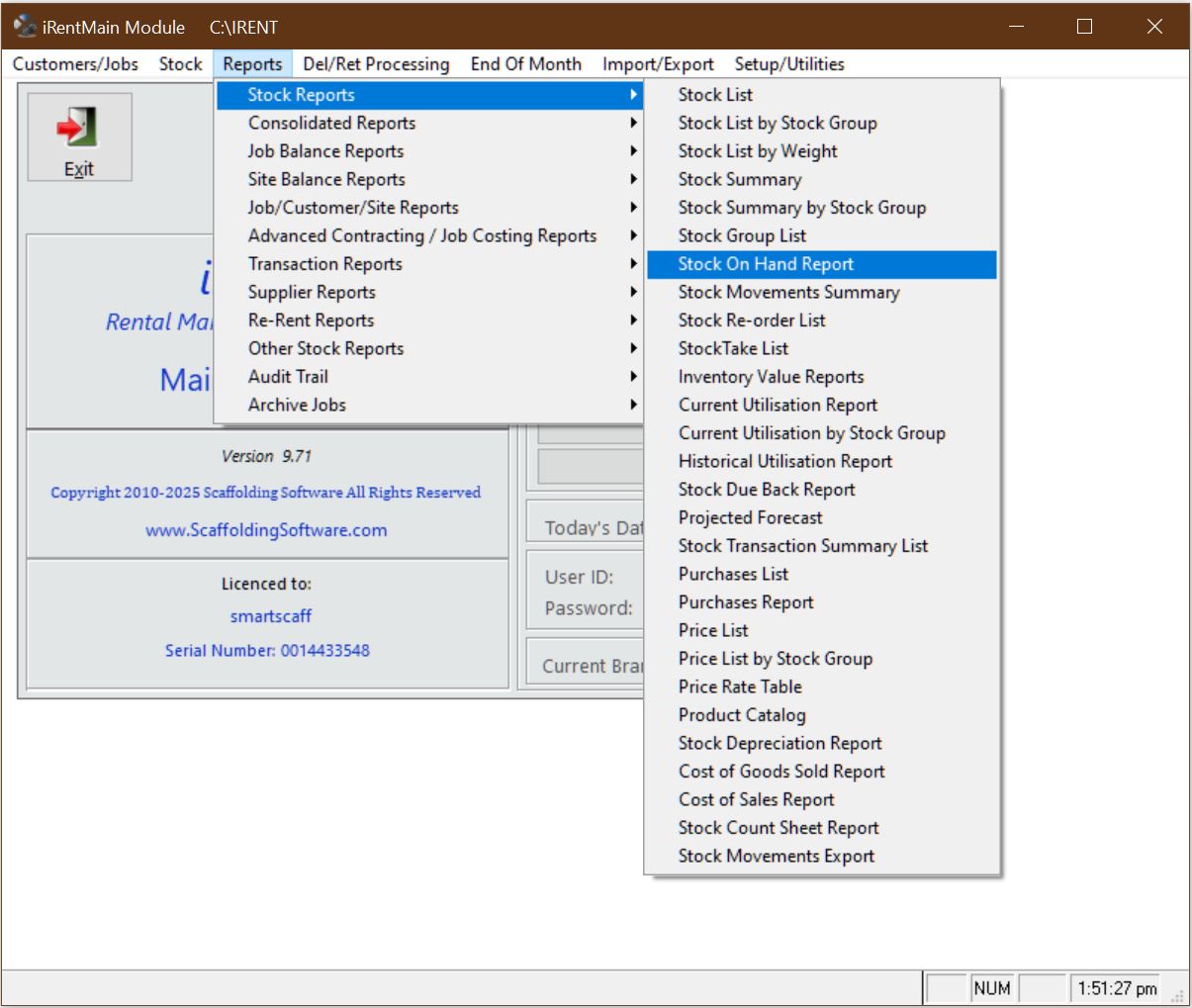

Screen and Report Terminology is user customizable using the translation utility. One of the powerful features of iRent® Classic is the ability for each customer to change all screens and reports to use terms applicable to their region. For example, if you don’t like the word “Picking Slip” you can change it to “Pick Ticket”. Every field on every screen and report can be altered to reflect the terminology that you prefer to use within your organization. Date formats are windows customizable.
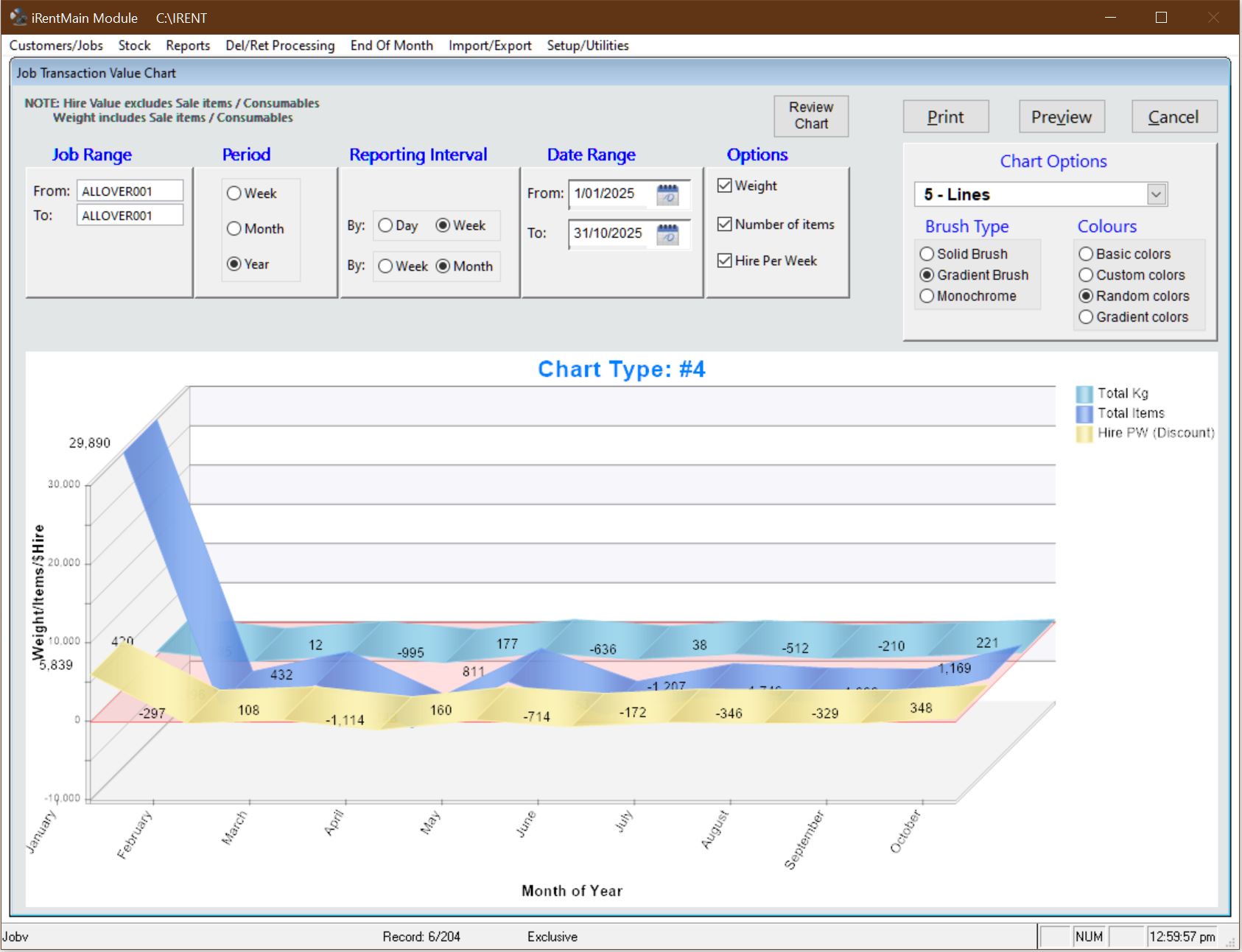
iRent® Classic features an interactive Job Transaction Value Chart that brings your project activity to life. Filter by job range, date period, or reporting interval to instantly see how materials move across a project. View data by total weight, number of items, or weekly hire value—and tailor the chart to your workflow with custom brush styles and colors. It’s a clear, dynamic way to track changes over time and turn raw job data into meaningful insights.
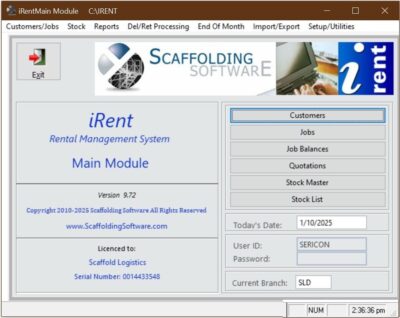
IntelliMenu
Scaffolding Software’s experience with developing systems has identified that most users use only a small number of screens on a daily basis, depending on their job function.
Scaffolding Software’s proprietary IntelliMenu system provides the user with the ability to customize the main menu so that his/her most frequently used functions are always displayed on the main menu. This provides an easy push button facility for each user to access his/her most frequently used screens.
IntelliSwitch
Traditional menu systems consist of a menu hierarchy with a labyrythmic series of menus and sub menus requiring the user to navigate up and down menus to find the one the screen they want.
Scaffolding Software incorporates into all it’s software proprietary IntelliSwitch technology, which allows a user to switch from any screen to any other screen by simply pressing a function key.
Each screen and report in the system has a unique ID, which identifies which function to switch to. For iRent® Classic, typical screen Id’s include:
Job Balances = “JBAL”
Deliveries = “DEL”
Returns = “RET”
In the example above, from any screen, the user can switch to the Deliveries screen by pressing function key 12, followed by “DEL”.
Furthermore, if the user wants to switch but cannot remember the ID, typing a “?” will bring up a keyword text search function which will allow the user to specify a keyword to find the screen e.g. if you want to switch to the program status report but cannot remember the ID, enter the word “status” and a pick list appears listing all the screens/reports that have that keyword in their description.
The old style menu hierarchy is still available for users that prefer a more traditional method, although our experience has been that users quickly learn the most frequently used Ids and tend to use Screen Switching most of the time, if not exclusively.
Auto Lookups Scaffolding Software incorporates into all its software Automatic Lookup Lists on all screens, which require a code. The lookup screen can be called by the user or if the user enters a wrong code, the lookup screen appears automatically.
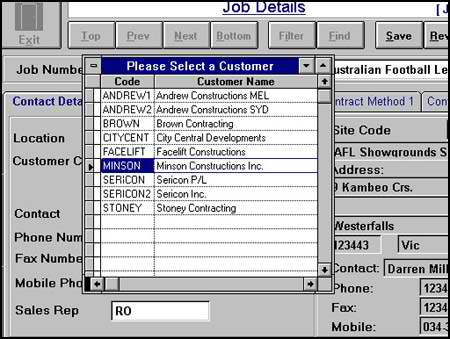
The benefit of this feature is that users do not ever need to remember codes.
User defined Filters Scaffolding Software incorporates into all its software User Defined Filters on all screens. The filter allows the user to search for records according to special conditions e.g. I want to view all jobs that have over 2000 boards on site.
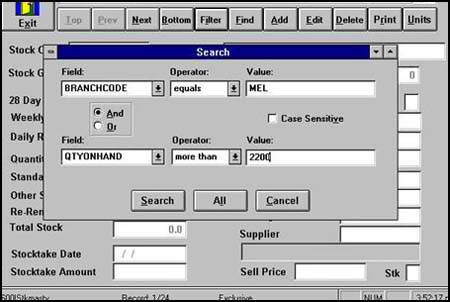
The benefit of this feature is that users have powerful query facilities to view the data records they need in different situations.